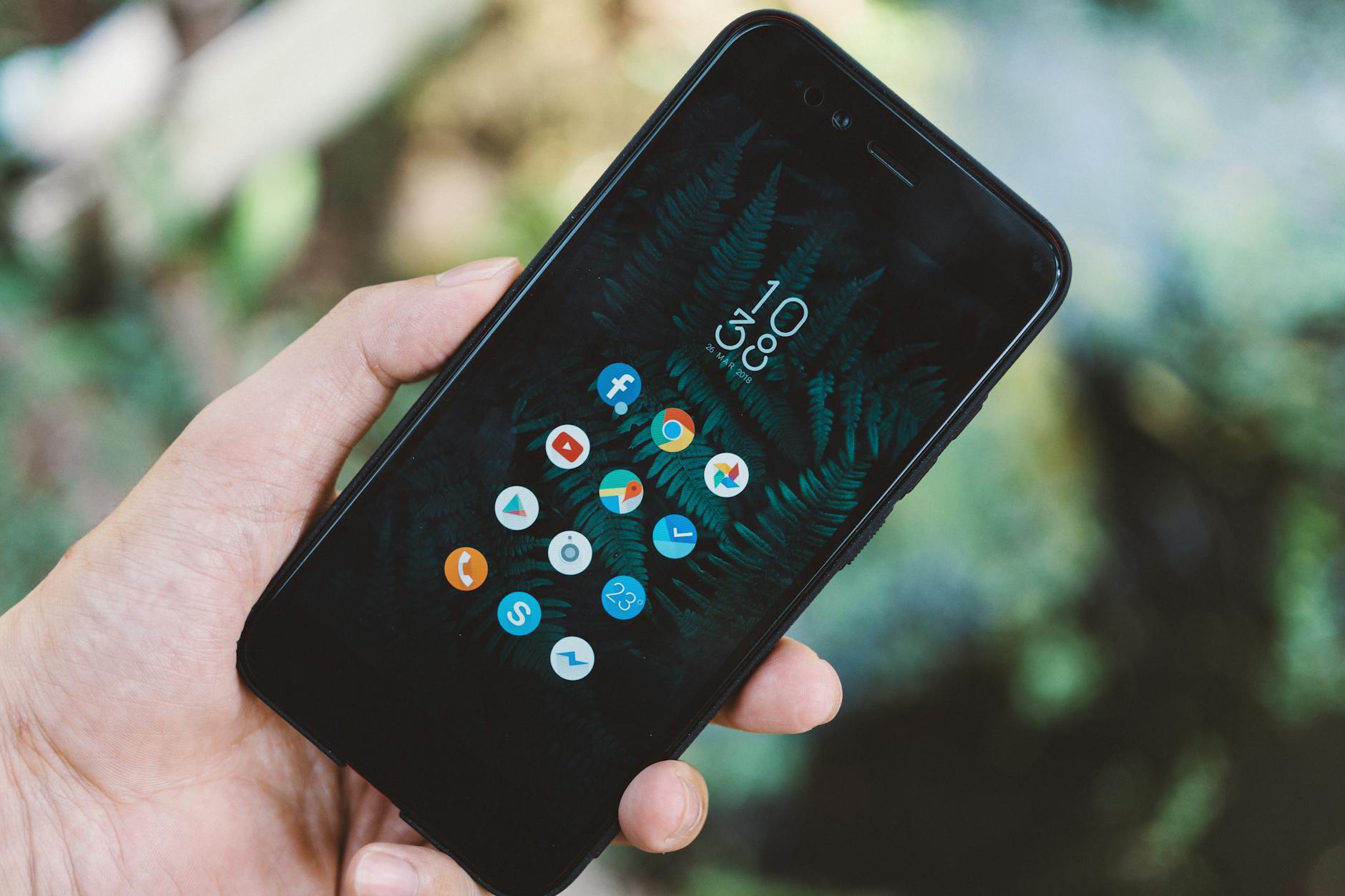
To successfully create a mobile app, Shopify merchants require a comprehensive toolkit that spans app development resources, guides, and strategies. By leveraging these resources, store owners can enhance customer engagement, boost sales, and maintain brand identity seamlessly.
What are the key resources for mobile app development?
Key resources include no-code platforms, development tools, design templates, and educational articles or videos. These tools make the process straightforward and accessible to merchants without technical backgrounds.
What are no-code app development platforms?
No-code app development platforms allow non-technical users to create mobile applications without writing any code. Platforms like Appolar offer Shopify merchants a visual builder that integrates directly within the Shopify admin, enabling you to build and maintain native apps effortlessly.
How do I choose the right no-code platform for my Shopify store?
Choosing the right platform depends on your business needs and technical skills. Consider factors such as ease of use, available features, integration capabilities with Shopify, and pricing (especially the lack of revenue share or installation fees).
What tools help with app design?
Design tools like Canva and Adobe XD provide templates and graphics that allow for visually appealing app interfaces. These tools are essential for keeping your brand consistent while designing your app layout and screens.
Where can I find educational resources for mobile app development?
Numerous online platforms offer courses and tutorials specifically for mobile app development, including Udemy, Coursera, and YouTube. Look for courses that cover topics like user interface design, mobile marketing strategies, and user engagement techniques.
What strategies should I implement for customer engagement through the app?
Implement strategies like scheduled push notifications, in-app promotions, and personalized content based on user behavior. Creating a loyalty program within your app can also encourage repeat purchases and enhance customer loyalty.
How can I ensure my app stays updated with my Shopify store changes?
Using platforms like Appolar ensures real-time catalog synchronization, meaning any inventory or product changes on your Shopify store will automatically reflect in your mobile app. This integration can help maintain accurate product listings and keep your customers informed.
What support options are available for merchants building an app?
Look for platforms that offer dedicated merchant support without relying on chatbots or automated responses. Personal assistance is crucial, especially when navigating unfamiliar technology or troubleshooting issues during the app development process.
How can I promote my new mobile app to existing customers?
Promote your app through various channels, including your website, email newsletters, and social media. Creating an in-app onboarding experience can also guide first-time users while encouraging them to engage with the app’s features.
Should I worry about app performance and functionality?
App performance is critical to user retention. Focus on optimizing speed and ensuring all features work seamlessly. Regular updates and user feedback can help you identify and resolve potential performance issues.
What are the benefits of having a dedicated app listing on the App Store and Play Store?
Having a dedicated app listing enhances your brand visibility and credibility. It allows you to reach a broader audience and increases the chances of downloads. Additionally, you can use app store optimization (ASO) techniques to improve your app's discoverability.
What should I do next?
Start by identifying the tools and resources that best fit your needs as a Shopify merchant looking to develop a mobile app. Consider trying out no-code platforms like Appolar to streamline the building process while maintaining full control over your brand.